

Auto-scoring
Our rule-based scoring engine automatically marks all your auto-scorable questions instantly. Below is a list of all our auto-scored Question types.
| Multiple Choice Question (MCQ) | Hotspot |
| Choice Matrix | Math formula |
| Cloze with drag & drop | Cloze math |
| Cloze with drop-down | Cloze math with image |
| Cloze with text | Graphing |
| Label image with drag & drop | Number line with drag & drop |
| Label image with drop-down | Number line with plot |
| Label image with text | Charts |
| Classification | Chemistry formula |
| Match list | Cloze chemistry |
| Order list | Cloze chemistry with image |
| Sort list | Image annotation |
| Short text | Gridded |
| Shading | Fill shape |
| Token highlight |
Manual scoring
Although the majority of ADAM question types are auto-scorable, some require teacher/marker attention (such as open response or audio recording).
Below is a list of all Question types that require manual scoring.
| Essay with rich text | Math Essay |
| Essay with plain text | Chemistry essay |
| Audio recorder | Image annotation upload |
| Video recorder | File upload |
| Image highlight (Deprecated) | Rating |
Converting auto-scored Questions to manually scored Questions
It is possible to make any auto-scored Question type a manually scored Question, using the 'Enable auto scoring' checkbox in the Question Editor. The box is checked by default in auto-scored Questions - just uncheck it if you want to manually grade the Question.
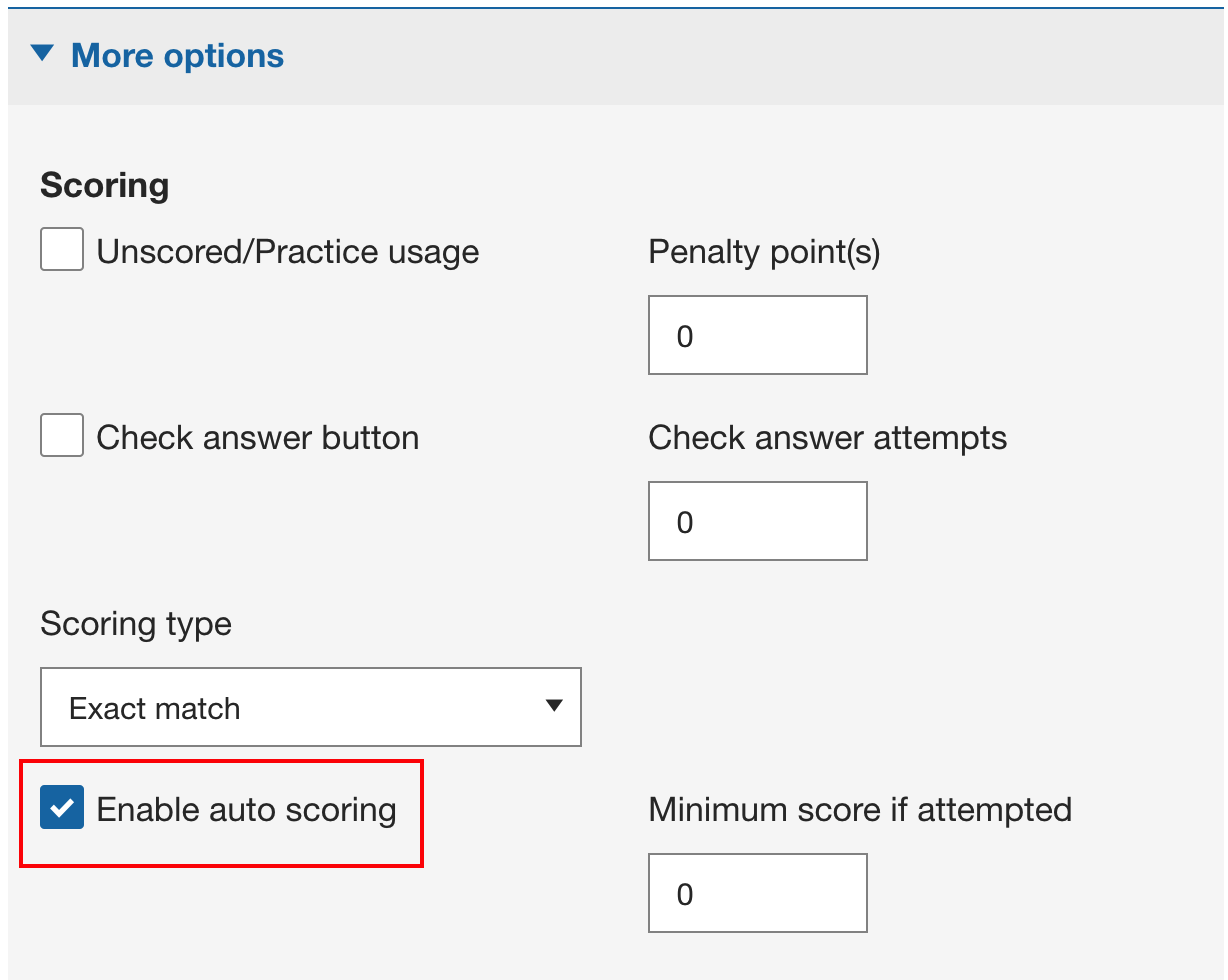
Figure 1: Enable auto scoring option in the Question Editor.
Comments
0 comments
Please sign in to leave a comment.