

After a Community Partner creates a STEM Innovator® Portfolio account, they can access assignments created by the teacher. The Innovation Canvas assignment provides the opportunity for Students to progressively document the details of their innovation project.
- Log into STEM Innovator®: https://app.steminnovator.com/#/login
- Logging into STEM Innovator® brings Community Partners to the Innovator Portfolio homepage.
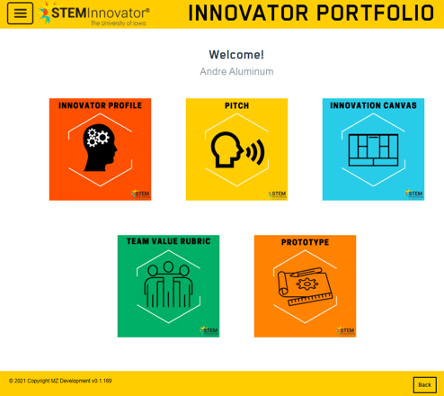
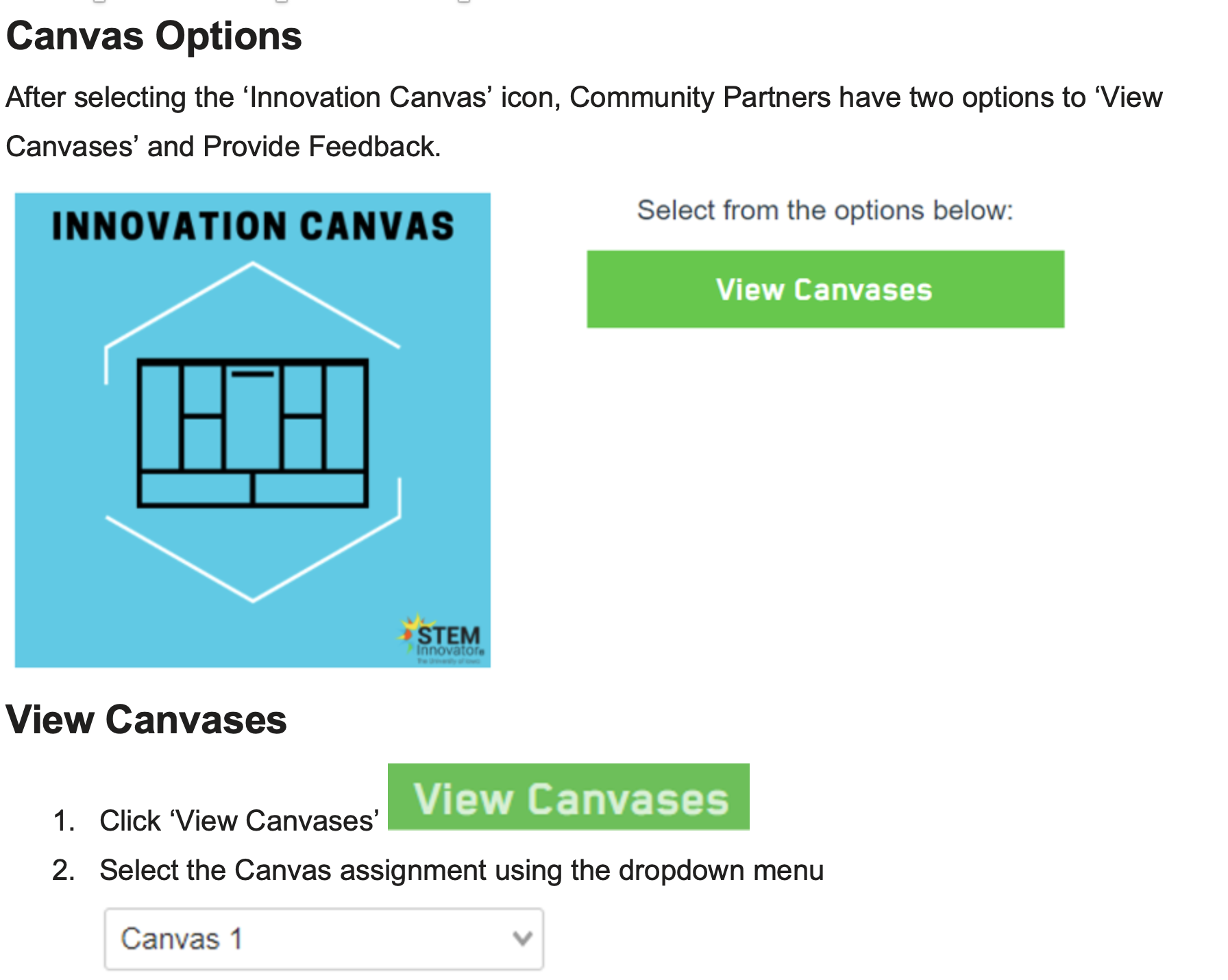
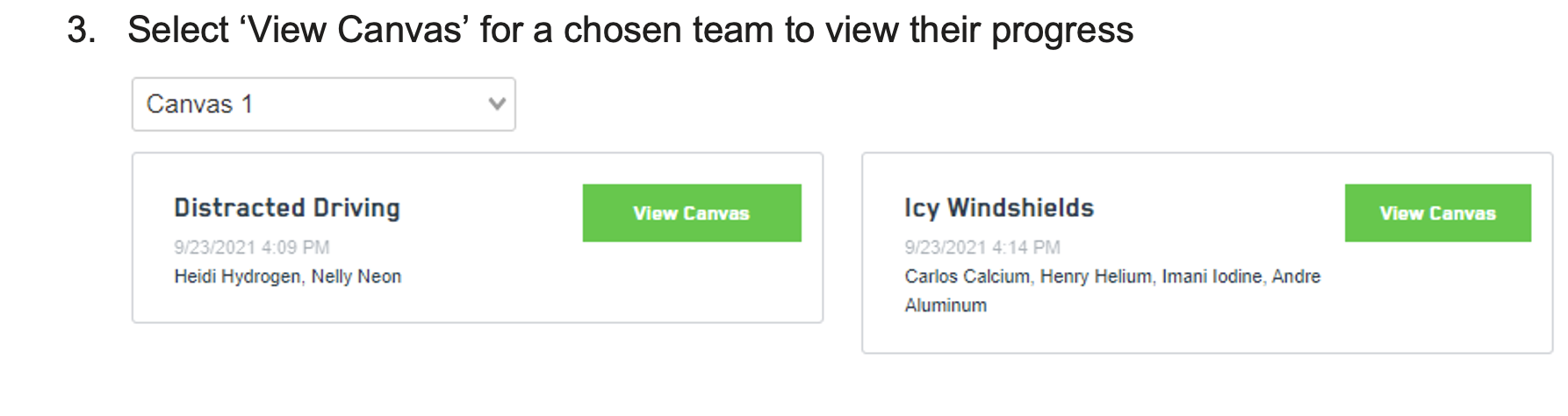
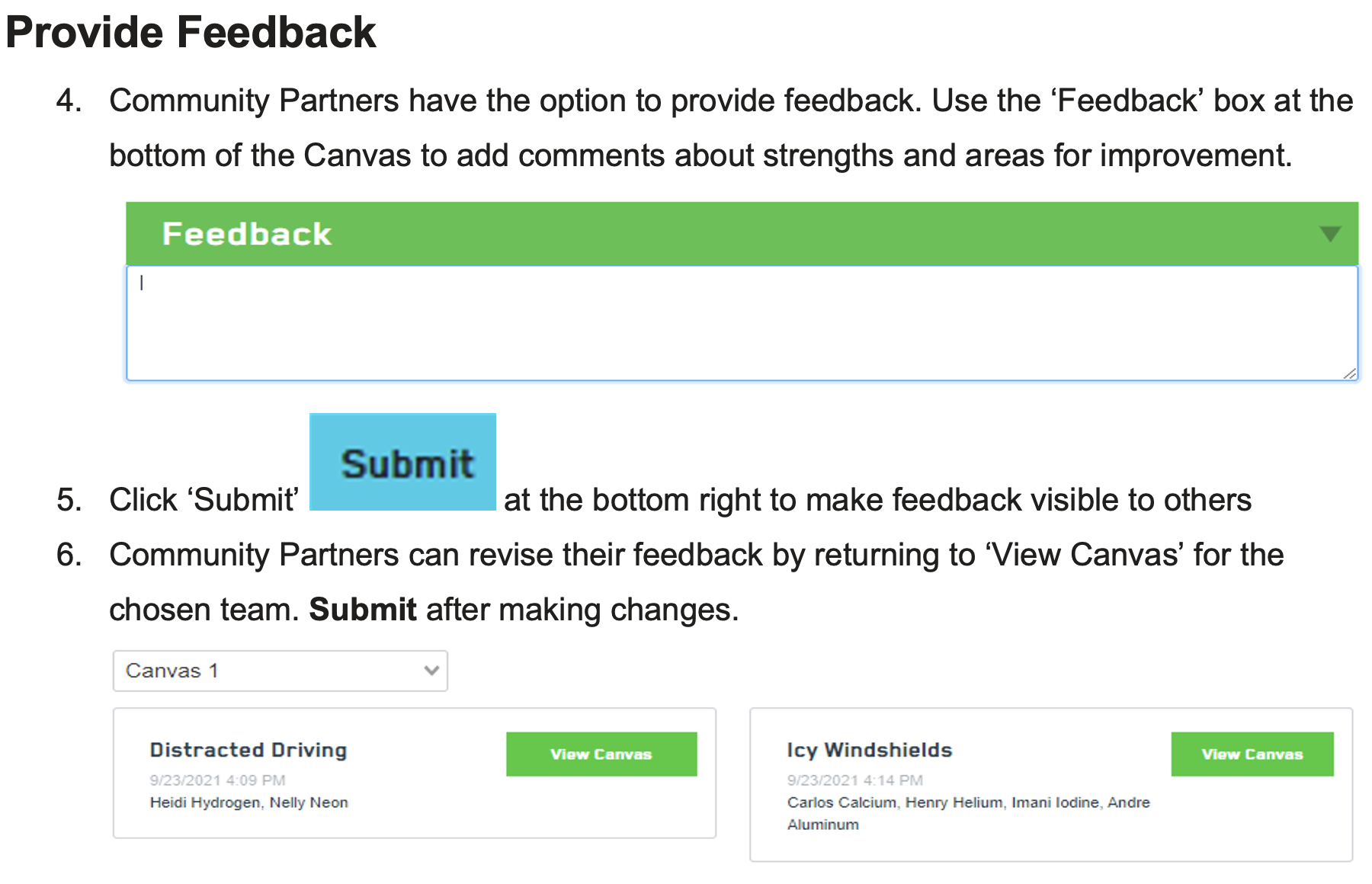
- Click ‘Innovation Canvas’ to view Canvas menu options

Navigate back to STEM Innovator® How-To Guides here: STEM Innovator® How-To Guides – MZD (zendesk.com)
Comments
0 comments
Please sign in to leave a comment.